
How to Set Up SABnzbd with NewsDemon
STEP
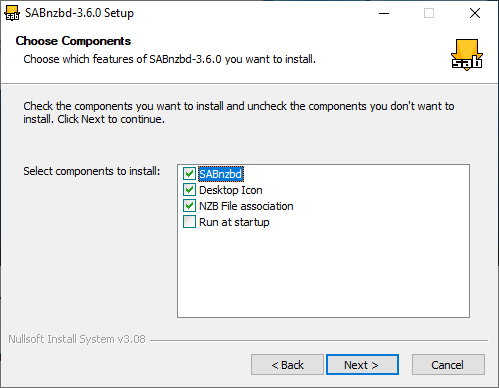
Install SABnzbd
If you do not already have SABnzbd installed:
-
Download SABnzbd from the official site at sabnzbd.org
-
Install it for your operating system (Windows, Mac, or Linux)
-
Launch SABnzbd
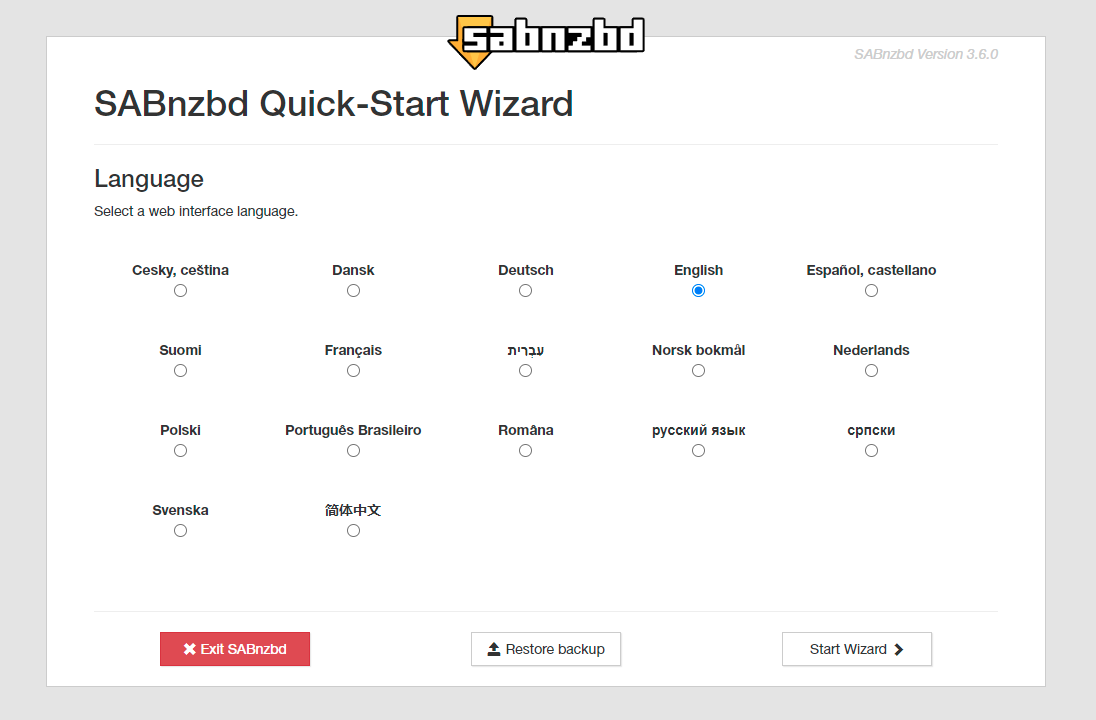
When SABnzbd starts for the first time it will open a browser-based setup wizard automatically.
Default Local Address
http://localhost:8080
STEP
Locate Your NewsDemon Credentials
Before configuring SABnzbd, log in to your NewsDemon members area at members.newsdemon.com to confirm:
-
Your exact username and password
-
Your plan’s maximum allowed connections
Knowing your connection limit before setup prevents login errors and ensures you get the best performance from day one.
STEP
Enter Your Primary NewsDemon Server
During the setup wizard you will be prompted to add a Usenet server. Enter the following:
| Setting | Value |
|---|---|
| Server | news.newsdemon.com |
| Port | 563 |
| SSL | Enabled |
| Username | Your NewsDemon Username |
| Password | Your NewsDemon Password |
| Connections | Match to your plan’s max (start with 20) |
Not A Member? Join Now!
STEP
Add Backup Servers (Strongly Recommended)
NewsDemon operates multiple server farms across different regions. Adding backup servers ensures maximum article completion and reliability. You can add these under Settings → Servers.
| Setting | Value |
|---|---|
| Server | us.newsdemon.com |
| Port | 563 |
| SSL | Enabled |
| Priority | 1 |
| Connections | 10–20 |
| Setting | Value |
|---|---|
| Server | uswest.newsdemon.com |
| Port | 563 |
| SSL | Enabled |
| Priority | 1 |
| Connections | 10–20 |
| Setting | Value |
|---|---|
| Server | eu.newsdemon.com |
| Port | 563 |
| SSL | Enabled |
| Priority | 2 |
| Connections | 10–20 |
Troubleshooting
After entering your server details:
-
Click Test Server
-
SABnzbd will verify your login and connection
-
If successful you will see a green confirmation message
-
Click Save Changes
If the test fails, see the Troubleshooting section here to resolve common issues.
-
Increase your connection count up to your account plan maximum
-
Confirm SSL is enabled on all servers
-
Try switching your primary to
uswest.newsdemon.comoreu.newsdemon.comand test which is fastest from your location
Some ISPs throttle or block port 563. NewsDemon supports these alternate SSL ports as well:
| Alternate Port | Use Case |
|---|---|
80 |
ISP blocks 563 |
81 |
ISP blocks 563 and 80 |
9119 |
Alternative if all above are blocked |
Switch to any of these in Settings → Servers and the connection will remain fully SSL encrypted.
If this continues to happen, you will need to contact our customer support department and ask them to investigate the cause and possibly reset your account. Use the icon on the bottom left corner to contact Support
-
Make sure all backup servers (US West and EU) are configured and enabled
-
Verify your account is active in the members area
Double-check the following:
-
Username and password copied exactly from members.newsdemon.com
-
SSL is enabled
-
Port is set to 563 (or an alternate from the list above)
Add a VPN for Extra Privacy
NewsDemon already encrypts all traffic with 256-bit SSL, but many users add a VPN as an additional layer of privacy on top of that. SlickVPN is the natural pairing for NewsDemon users. It is available directly within the NewsDemon family of services, making it easy to manage everything from one place. When active, SlickVPN masks your connection at the network level while NewsDemon’s SSL handles encryption at the Usenet protocol level, giving you a two-layer privacy setup.

Included with Membership